NEALOPS DEMONSTRATIONS

See a workflow in action.

See a real Microsoft build, or try a guided example.

REAL MICROSOFT BUILDS

See the connected system.

These systems use real Microsoft services. Explore the evidence here and book a live walkthrough of the private app.

REAL MICROSOFT BUILD

Request approvals, from start to finish.

A native Power Apps interface connects the request, review and outcome through SharePoint, Power Automate Approvals and Outlook.

Four fictional request journeys checked, including a full approval route and a rejection.

See the Microsoft example

The Microsoft app is private. See the evidence here, or book a live walkthrough.
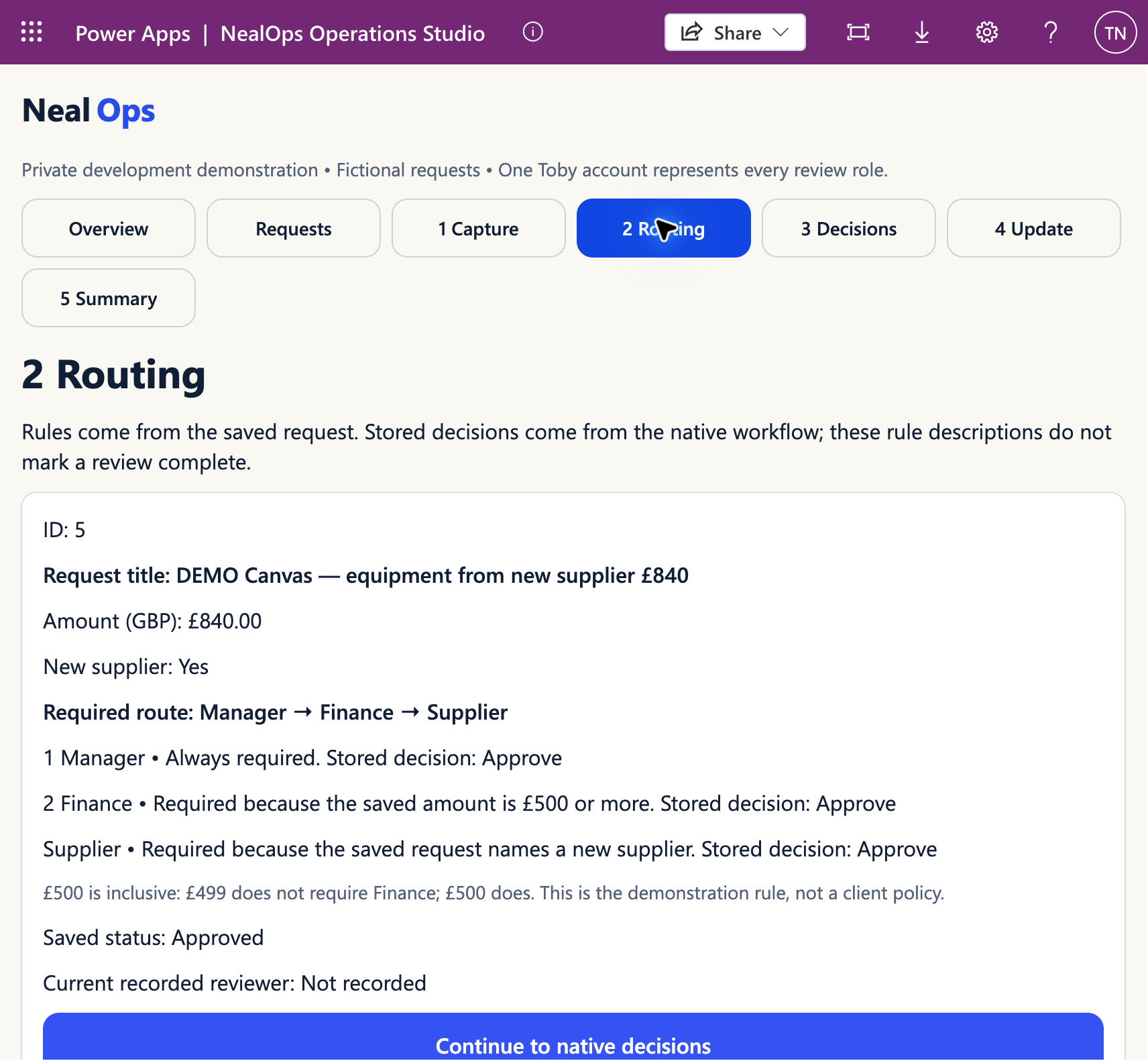
Genuine NealOps Power Apps screen showing the approval route for a fictional request.
Actual Power Apps interface · Fictional demonstration data

A shorter example: enquiry intake

A Microsoft Form creates a SharePoint record and sends its owner an Outlook notification. Two fictional submissions were checked from start to finish.

See the intake build →

TRY IT YOURSELF

Start a fresh example.

No Microsoft sign-in needed. Use the suggested fictional details and complete one step at a time.

01

Approve a request

Enter a sample request, follow the review route and see the decision.

Request → Review → Update

Start approval example
02

Onboard a customer

Give each task an owner, check the documents and hand over when ready.

Customer → Checklist → Handover

Start onboarding example
03

Follow up an enquiry

Capture a sample enquiry, set the next action and follow it through.

Enquiry → Next action → Follow-up

Start enquiry example

Every new visit starts fresh. These examples run separately in each open browser page; they do not submit enquiries, call Microsoft services or send messages.

Read a project brief

Request approvals · Customer onboarding · Enquiry follow-up

All examples use fictional data. They are NealOps demonstration projects, not previous client work.